
Advent 20268 nights freeAges 5–9
25 Nights to Bethlehem
A new animal Bible story every night from December 1 to Christmas, from the Garden to the manger.
 ideely story time
Get the app
Stories/Bible stories for Yoto
★ works with Yoto · screen-free
Type an idea, such as David and Goliath told for a five-year-old who loves sheep, and ideely Story Time writes it, narrates it and sends it to a Yoto Make Your Own card. Your child presses play. No screen needed.
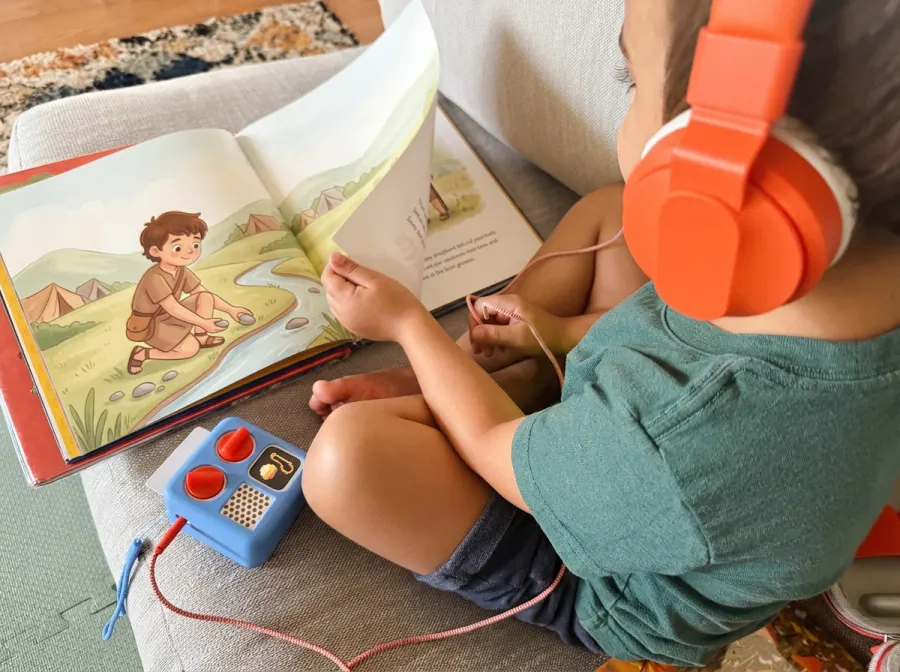
Start with a Bible story, add your child, and say who it is for.
Read it first. Stories you create are written by AI. They can contain mistakes, including mistakes about the Bible, so listen through or read the text before bedtime.
What needs Premium. Creating stories and sending them to Yoto are part of ideely Premium. The app is free to download and you will always see the price before you buy.
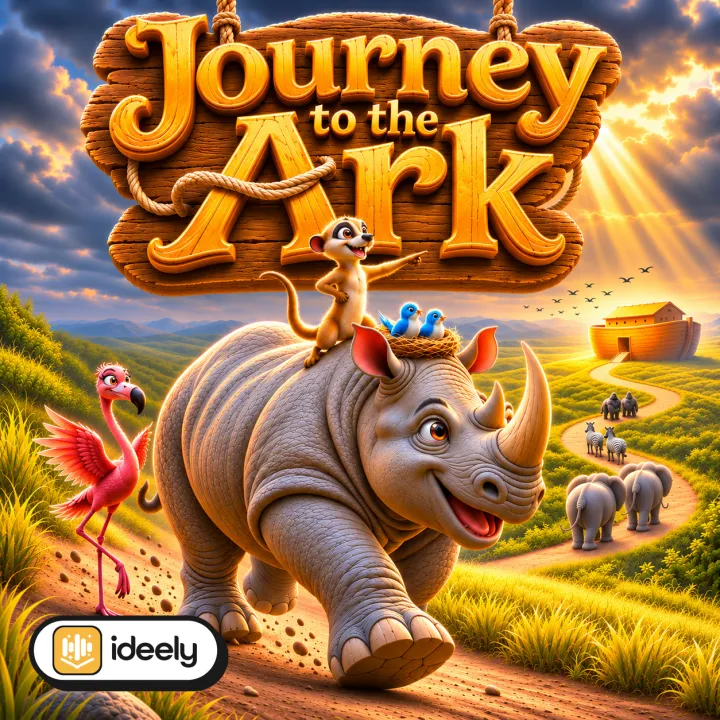
ideely Originals. Our own series, such as Journey to the Ark, play in the app, on YouTube and on podcast apps. They cannot be sent to a Yoto card at this time.
Your own material only. Turn a book into audio only if your family made it, it is verified public domain, or you have permission to adapt it.
No. You use Yoto’s own blank Make Your Own cards. ideely creates the audio and sends it to a Make Your Own playlist in your Yoto account, and you link that playlist to a card.
No. ideely Story Time is an independent app. It is not made, endorsed, sponsored by, or affiliated with Yoto. Yoto is a trademark of its owner.
You can ask for any story and choose your child’s age and the story’s length. Because the stories are written by AI, please check them against your Bible before you share them.
Not at this time. ideely Originals play in the app, on YouTube and on podcast apps. Stories you create yourself can be sent to Yoto.
You choose 5, 10 or 20 pages. A 10-page story is roughly five to six minutes of audio.
English, Spanish, French, German, Portuguese, Italian, Japanese, Chinese, Korean, Arabic, Hindi, Indonesian, Hungarian, Russian and Filipino.
No. You sign in with Yoto directly, and ideely never sees your Yoto password.

Download ideely Story Time free on the App Store and Google Play.